How to create and manage multiple pipelines in Odoo CRM
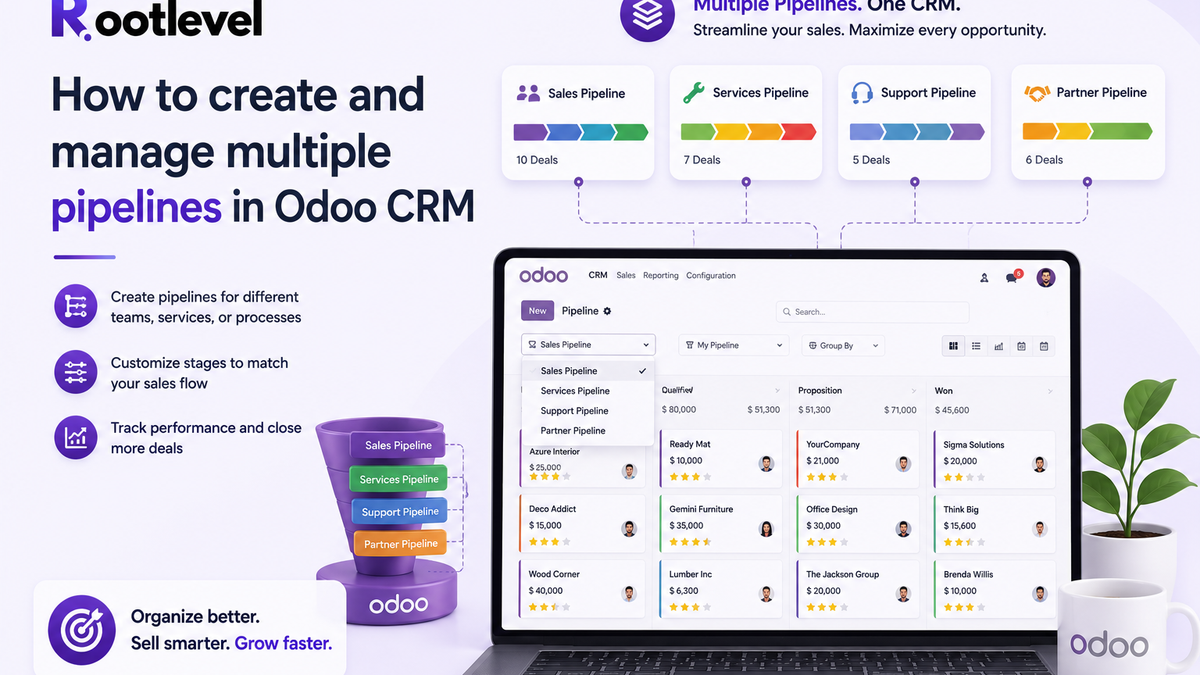
A practical guide to create separate pipelines for different sales teams, assign team-specific stages, and route leads/opportunities to the right team—without breaking reporting.
Why “one pipeline for everyone” breaks as you grow
If you have multiple sales motions (Inside Sales, Enterprise, Renewals, Service Sales, Partner Sales), running everything in one shared pipeline creates daily friction:
- Stages don’t match each team’s process
- Teams keep requesting “their own stages” and it becomes clutter
- Handover between teams becomes manual and messy
- Reports become unreliable (deals are not comparable stage-to-stage)
The fix is a clean CRM structure: multiple pipelines—one per team.
Can Odoo CRM support multiple pipelines?
Yes. In Odoo CRM, the recommended way to manage multiple pipelines is via Sales Teams. Each Sales Team can have its own pipeline, stages, members, and opportunities.
Think of it like this:
- Sales Team = Pipeline
- Stages = Steps inside that team’s pipeline
- Opportunities/leads move through that team’s stages
When you should create multiple pipelines
Create separate pipelines if you have different:
- Sales processes (e.g., inbound vs enterprise vs tenders)
- Teams/Departments (Sales vs Account Management vs Renewals)
- Products/Services (ERP vs POS vs Implementation services)
- Regions/Markets (India vs UAE vs EU)
- Channels (Direct vs Partners)
If the process is different, the pipeline should be different.
Best practices (so your CRM stays clean)
1) Keep stages team-specific (avoid global clutter)
Only keep a stage global if it truly applies to all teams. Otherwise, assign stages to teams.
2) Create pipelines by “process”, not by “people”
Don’t create a pipeline for every salesperson.
Create pipelines for:
- Product lines
- Regions
- Sales motions
- Departments
3) Use team dashboards for management
Sales managers should review by team pipeline and use CRM reporting for visibility. Odoo provides pipeline analysis reporting for performance review.
4) Use email aliases to route incoming leads
If you have different inbound channels, assign a team email alias so leads come in already assigned to the right team.
Common mistakes (avoid these)
- Adding too many global stages → every pipeline looks messy
- Using one pipeline for renewals + new sales → reporting gets confusing
- Not assigning Sales Team on opportunities → records land in the wrong pipeline
- Too many pipelines → users don’t know where to work
Quick FAQ
Q1) Can one user be in multiple pipelines?
Yes—users can be members of multiple Sales Teams depending on your setup and access rules.
Q2) Can I have different stages per sales team?
Yes—assign stages to Sales Teams so each pipeline shows only its relevant stages.
Q3) What is the official way Odoo supports multiple pipelines?
Using Sales Teams (each team acts like its own pipeline).
Conclusion
If your business has more than one sales process, multiple pipelines is not “nice to have”—it’s necessary for clarity, ownership, and accurate reporting.
Odoo CRM makes this simple:
- Create Sales Teams
- Assign team-specific stages
- Route leads/opportunities to the right team
If you want, Rootlevel Innovations can set up your Odoo CRM pipelines end-to-end:
- pipeline blueprint (stages + probabilities)
- team-wise automation & activities
- reporting dashboards
- lead routing + clean handover process